 QR Bloom
Beautiful QR codes.
In seconds.
Create QR codes for links, Wi-Fi, contacts, payments and more — with colors, logos and frames. Scan codes with your camera and check links before you open them.
Create a QR code — freeWorks on any computer or phone. Nothing to install, no account.
Tip: on your phone, open QR Bloom and choose “Add to Home screen” in the browser menu — it then opens like an app.
Everything you need for QR codes
13 QR types
Website, Wi-Fi, contact (vCard), SMS, email, phone, location, events, social links…
Your style
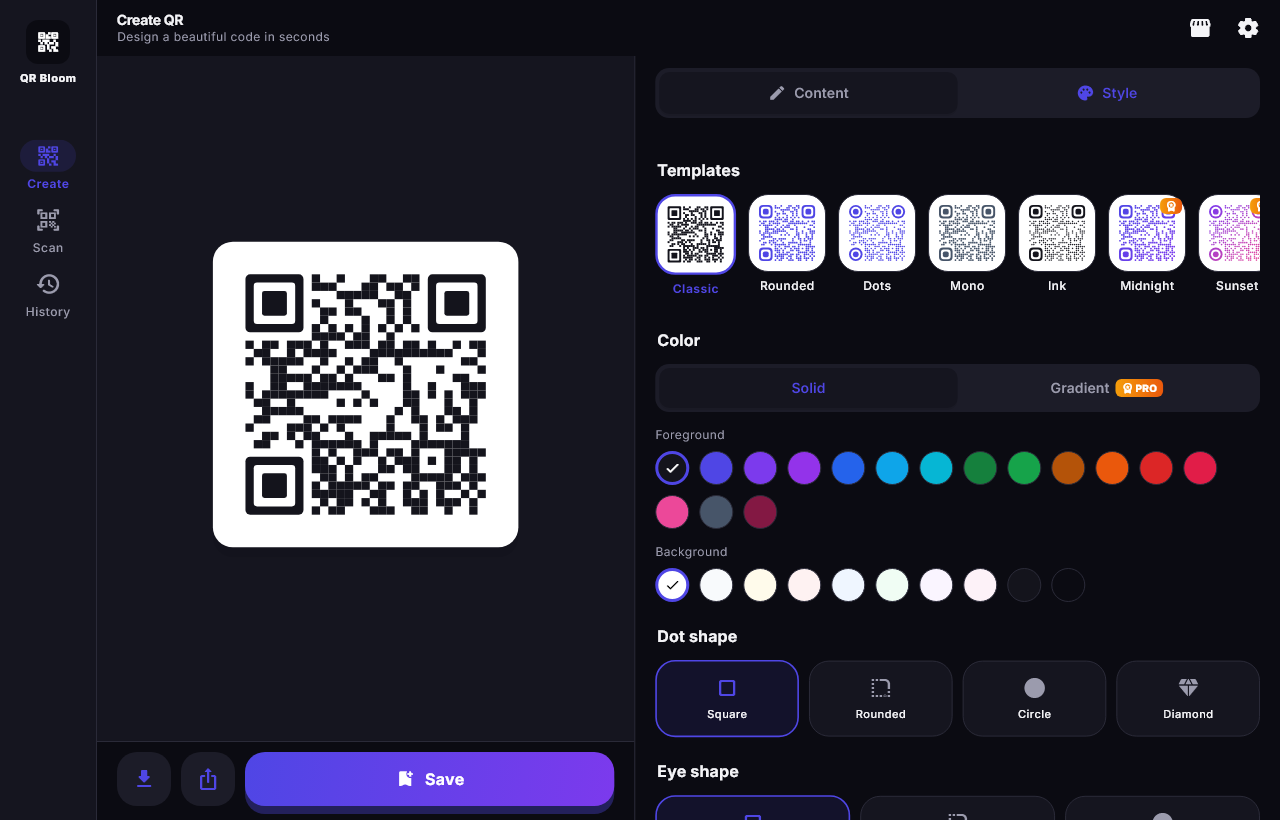
Colors, gradients, dot and corner shapes, your logo in the middle, “Scan me” frames.
Scan with your camera
Scan QR codes with your phone or webcam, or from a screenshot or photo.
Safe links
Suspicious links (look-alike domains, shorteners, unsafe sites) are flagged before you open them.
Print & share
Save a high-resolution PNG, share it, or make A4/A6 posters for your shop or café.
Private
No account, no ads, no tracking. Your codes and history stay on your device.
Questions
Is QR Bloom free?
Yes. Creating, scanning and saving QR codes is free. Premium styles (gradients, logos, frames, business posters) are free twice a day; an optional one-time upgrade for unlimited Premium is coming soon.
Do QR codes made with QR Bloom expire?
No. The link or text is stored inside the code itself, so it keeps working forever — there is no redirect server that could stop working.
Do I need to install an app?
No. QR Bloom runs in your browser on computers and phones. On a phone you can add it to your home screen to open it like an app.
How do I make a Wi-Fi QR code?
Open QR Bloom, choose Wi-Fi, enter the network name and password, then save or print the code. Guests scan it to join without typing the password.
Can I scan a QR code with my phone camera?
Yes. Open Scan → “Scan with camera” and allow the camera. You can also choose a screenshot or photo that contains a QR code.
Are my QR codes uploaded anywhere?
No. Everything is made and read in your browser. Nothing is sent to a server.